A. Introduction
Welcome to Job Vista. Job Vista is a comprehensive Job Portal platform designed for organizations, recruitment agencies, educational institutions, and job boards to manage and publish job opportunities, admit cards, and results.
Who it is designed for: It is built for startup founders, government job portals, HR companies, and career platforms who need a complete ecosystem.
- Flutter mobile application: A responsive, native-feeling app for end users to browse jobs, apply, and receive push notifications.
- Laravel REST API: A secure backend that manages data, authentication, and external services.
- React admin panel: A sleek dashboard for administrators to manage jobs, users, and app settings.
- Main capabilities: Job management, OTP authentication, detailed job qualifications/salaries, push notifications, saved jobs, and a clean user experience.
B. Technical Requirements
Ensure your server and local environment meet the following tested versions:
- PHP: 8.3 or later
- Laravel: 13.x
- MySQL: 8.0 or later (compatible tested version)
- Node.js: 22.x (tested version)
- npm: 10.x (tested version)
- Flutter SDK: 3.24.x (tested version)
- Dart SDK: 3.5.x (tested version)
- Composer: 2.x
- Required PHP extensions: OpenSSL, PDO, Mbstring, Tokenizer, XML, Ctype, JSON, BCMath, Fileinfo, and cURL
- Server: Apache and Nginx have both been tested on shared hosting and VPS environments.
C. Architecture Overview
Job Vista follows a decoupled client-server architecture.
- Laravel (Backend): Contains
routes/api.phpfor REST API endpoints. Theapp/Http/Controllersfolder handles business logic. Theapp/Servicesfolder manages Auth and OTP logic. Theapp/Modelsmap to the database schema. - React (Frontend Admin): A Single Page Application (SPA) built with Vite. The
src/pagesfolder contains route views,src/componentsholds reusable UI, andsrc/services/api.jsmanages Axios requests. Authentication uses token-based login. - Flutter (Mobile App): Uses Riverpod for state management. Features are organized inside
lib/features/(e.g., auth, jobs, quizzes). Each feature haspresentation,domain, anddatalayers (Clean Architecture). - Data Flow: Both Flutter and React communicate with Laravel via secure REST endpoints using Sanctum bearer tokens.
- File Uploads: Processed by Laravel controllers and stored in the local
storage/app/publicdisk, accessible via symbolic links. - Notifications: Triggered via Laravel events/listeners and sent through external providers like Firebase.
D. Local Installation
1. Laravel API
cd backend
composer install
cp .env.example .env
php artisan key:generate
Configure `.env` with your local database credentials, then run:
php artisan migrate --seed
php artisan storage:link
php artisan serve
2. React Admin Panel
cd frontend
npm install
Create a `.env` file containing VITE_API_URL=http://127.0.0.1:8000/api, then run:
npm run dev3. Flutter Application
cd mobile
flutter pub get
Update lib/core/constants/api_endpoints.dart to point to your local machine IP (e.g., 192.168.x.x:8000/api), then run:
flutter runE. Production Deployment
cPanel / Shared Hosting Installation
Upload the backend contents to a secure folder (e.g., outside public_html). Point your subdomain or main domain's document root to the backend/public folder.
VPS Deployment & Laravel Configuration
Ensure Nginx/Apache document root points to /var/www/html/backend/public.
In your production .env file:
APP_ENV=production
APP_DEBUG=false
APP_URL=https://api.yourdomain.com
FORCE_HTTPS=true
Import your database structure (do not use migrate:fresh on production as it deletes data!):
composer install --no-dev --optimize-autoloader
php artisan key:generate
php artisan migrate --force
php artisan storage:link
php artisan optimize:clear
php artisan config:cache
php artisan route:cache
php artisan view:cache
Permissions: Ensure storage and bootstrap/cache folders have 775 permissions and are owned by the web server user.
React Production Build
In the frontend folder, update `.env` to point to your live API. Then run:
npm run buildUpload the contents of the dist folder to your web server (e.g., inside public_html/admin).
Flutter Production
Update your API URL to https://api.yourdomain.com/api.
flutter build appbundle --releaseCron Configuration for Laravel Scheduler
Add this to your server's cron tab:
* * * * * cd /path-to-your-project && php artisan schedule:run >> /dev/null 2>&1F. Branding Customization
Customize Job Vista to fit your brand.
- Application Name: Change this via the Admin Panel -> Settings -> General Settings.
- Flutter App Icon: Replace the icon file in
mobile/assets/icon/app_icon.pngand runflutter pub run flutter_launcher_icons. - Splash Screen: Replace the image in
mobile/assets/images/splash.pngor modifylib/features/splash/splash_screen.dart. - Mobile App Logo: Replace
mobile/assets/images/logo.png. - Admin Panel Logo: Replace
frontend/src/assets/logo.png. - Theme Colors (Flutter): Modify
lib/core/theme/app_colors.dartto change primary and secondary colors. - Theme Colors (React): Modify CSS variables in
frontend/src/index.css. - Package Name / Application ID: Search globally for
com.jobvista.appin themobiledirectory and replace it. Updateandroid/app/build.gradleandios/Runner.xcodeproj.
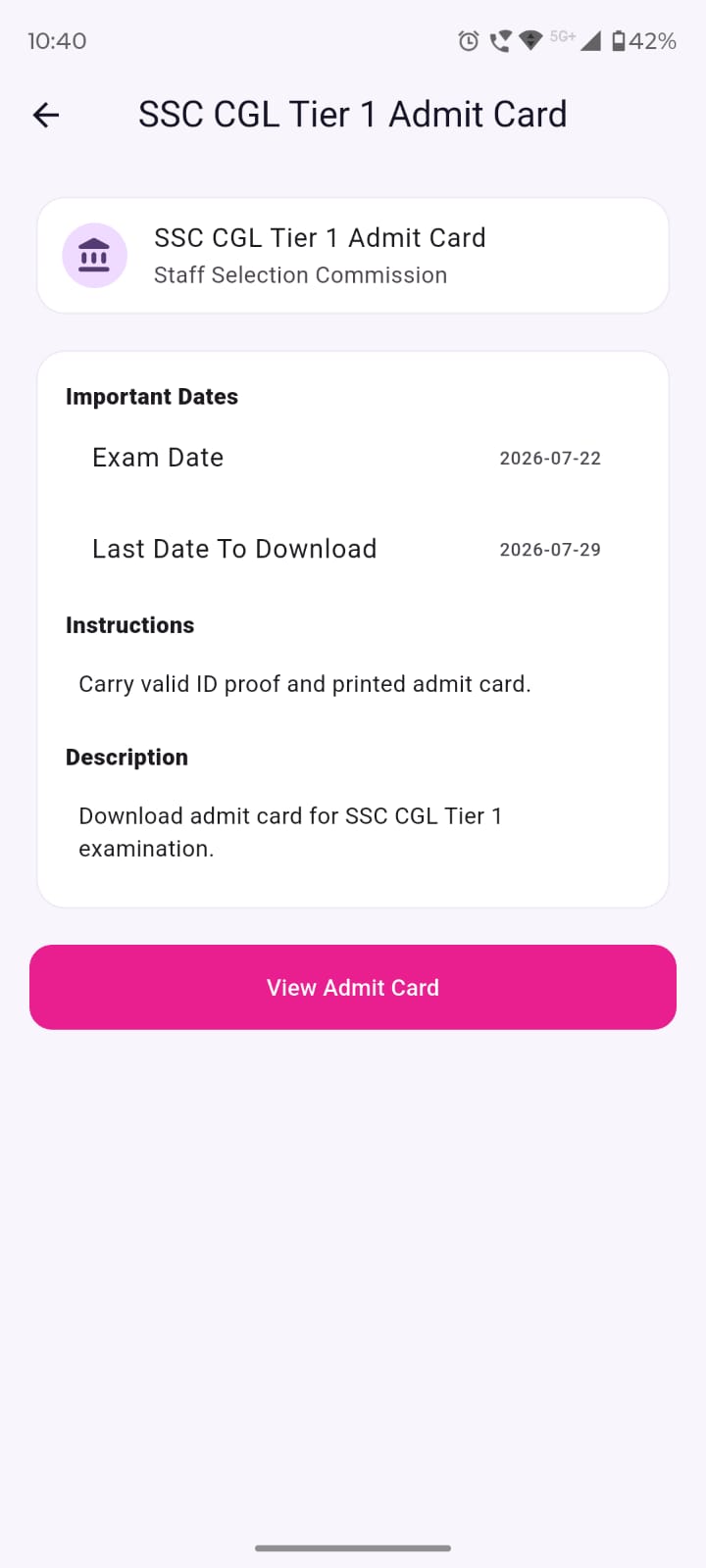
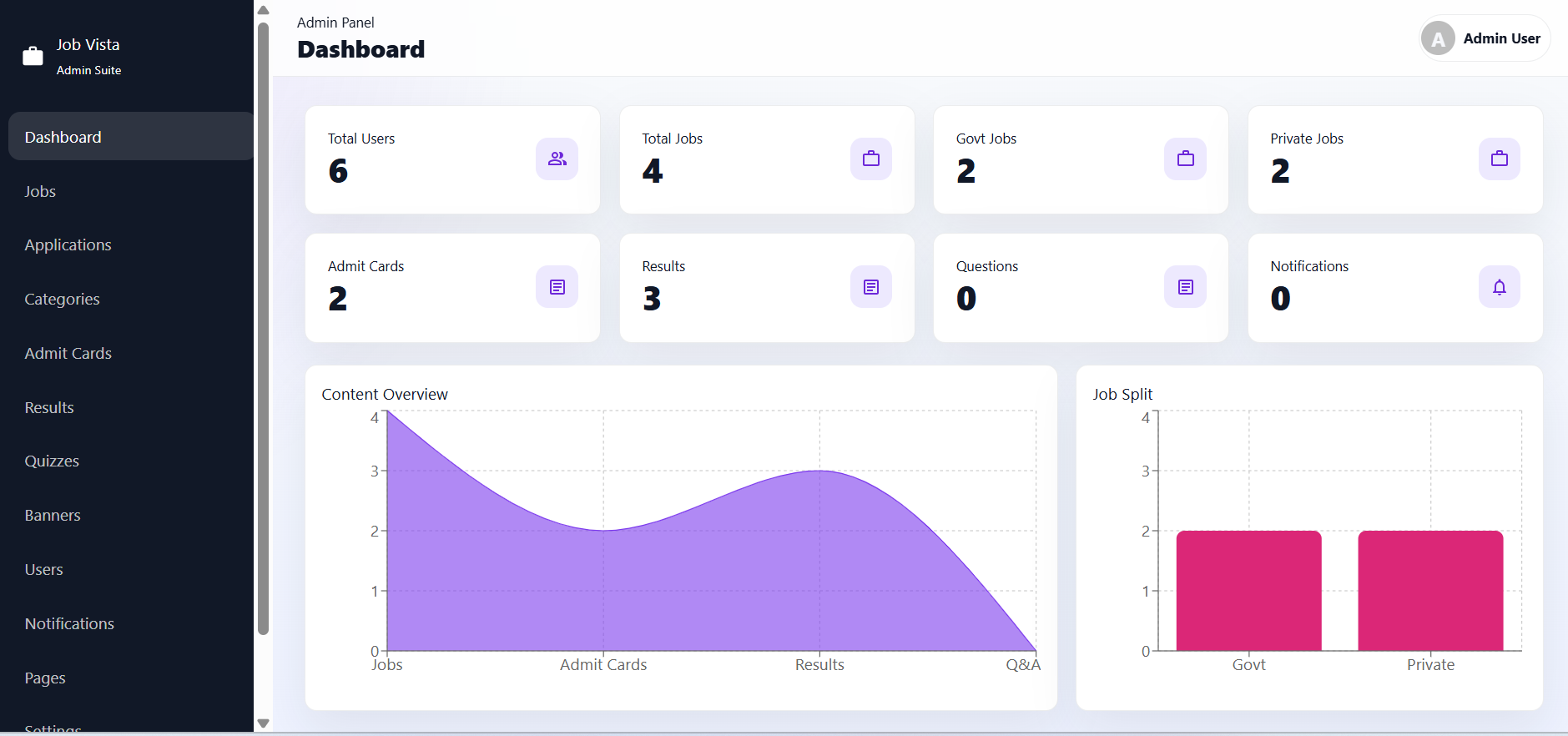
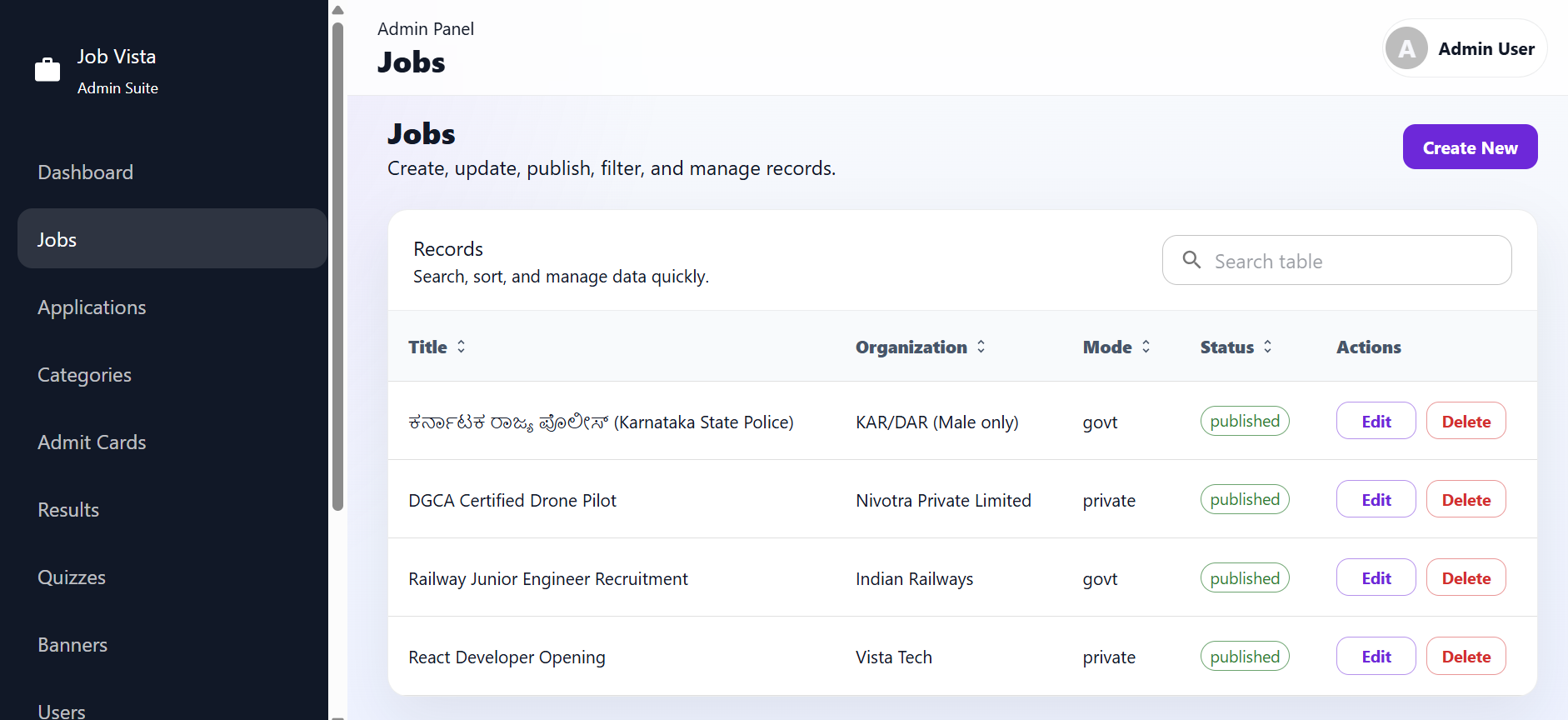
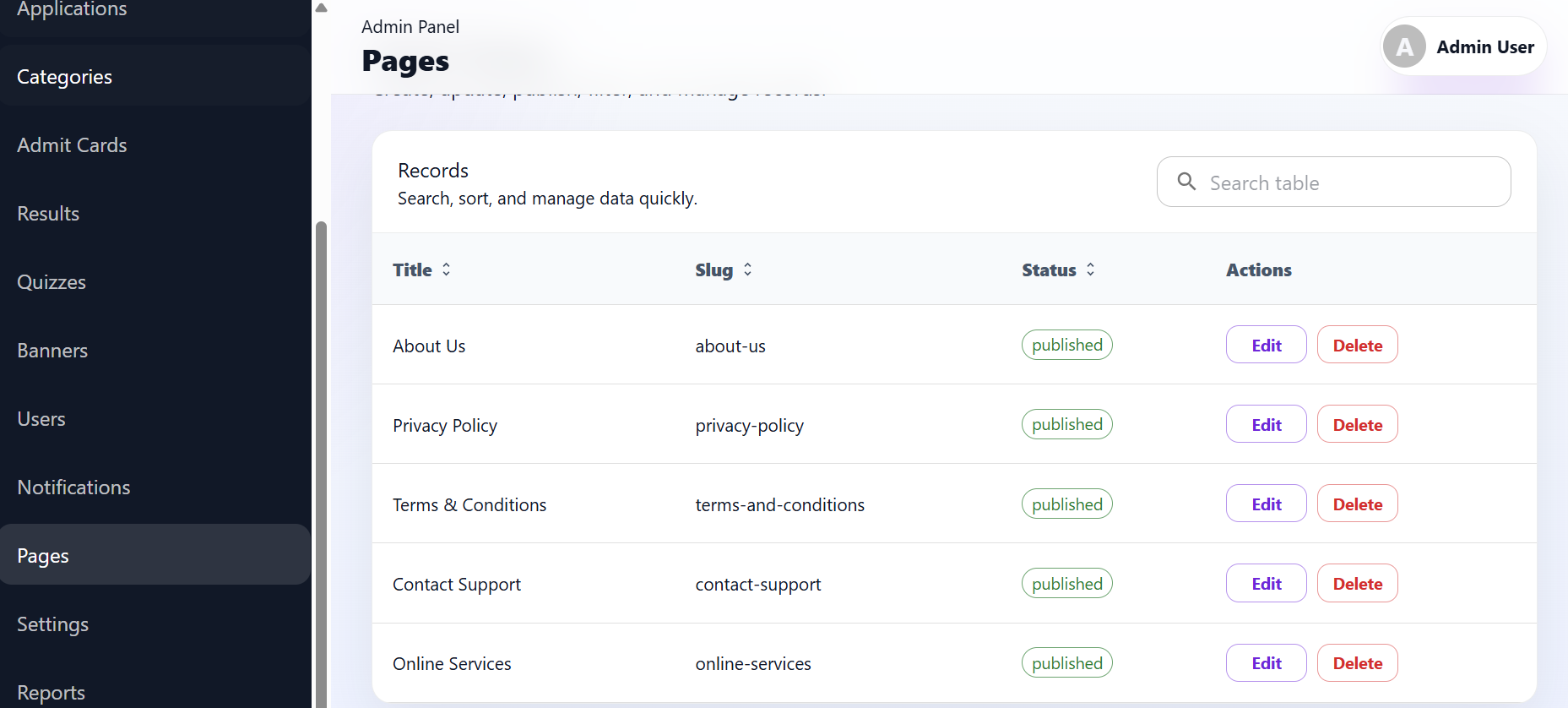
G. High-Quality Interface Screenshots
Mobile Application
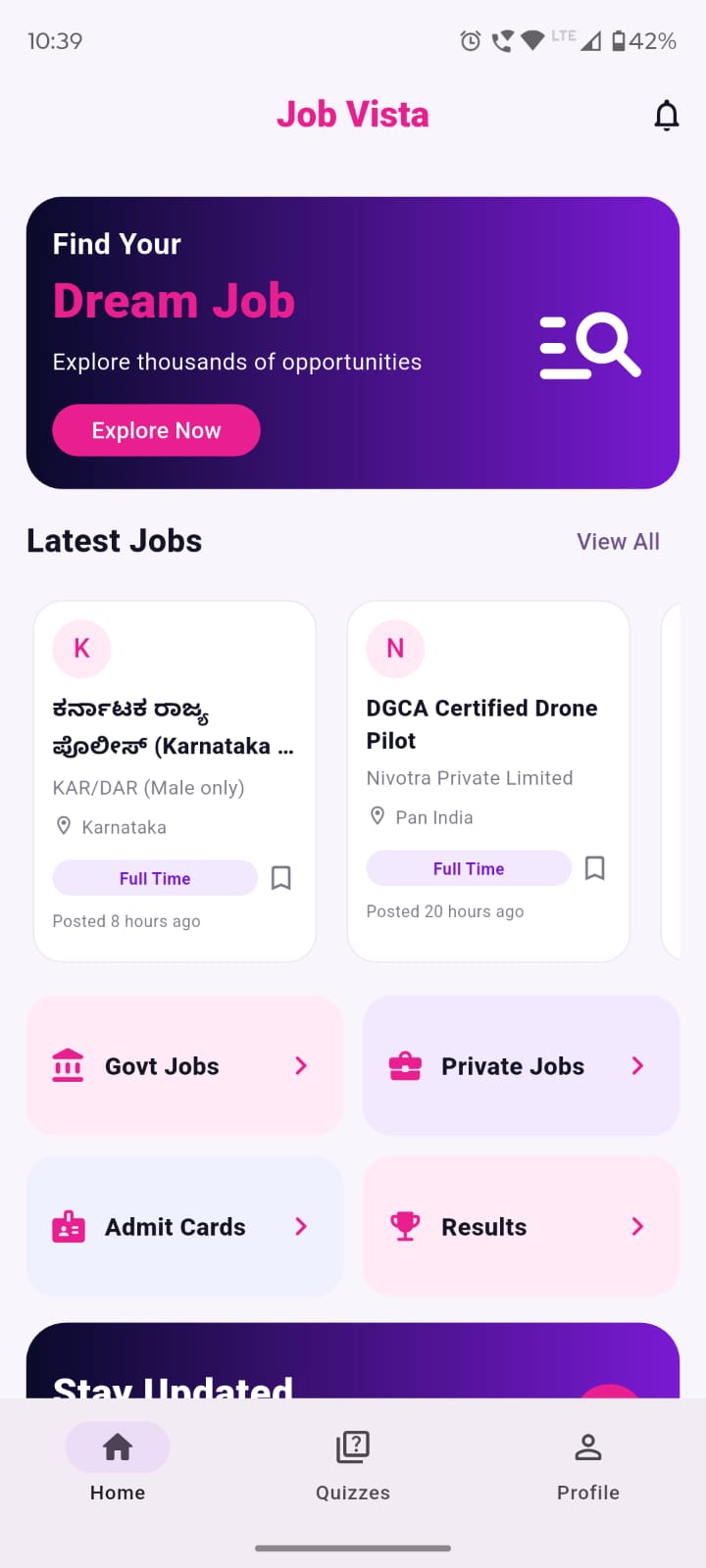
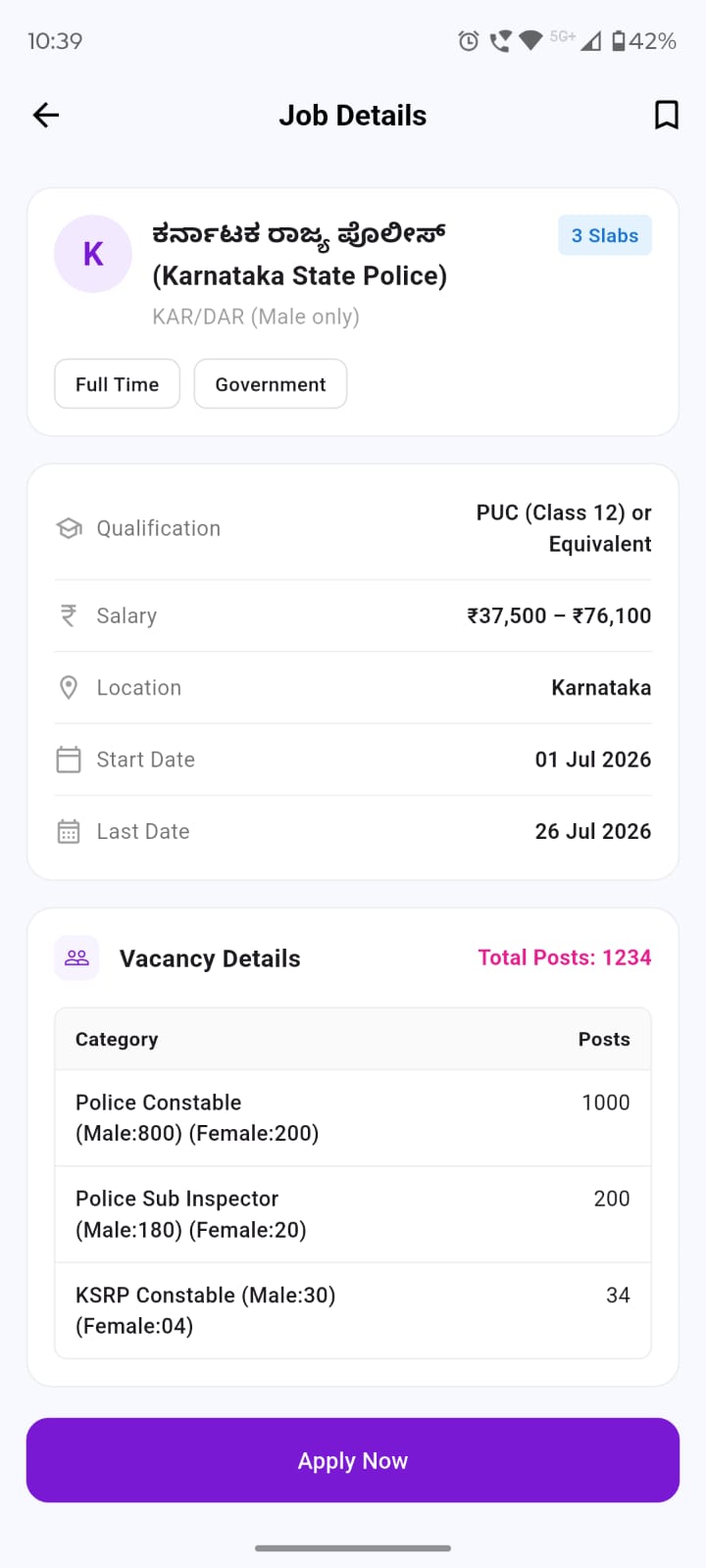
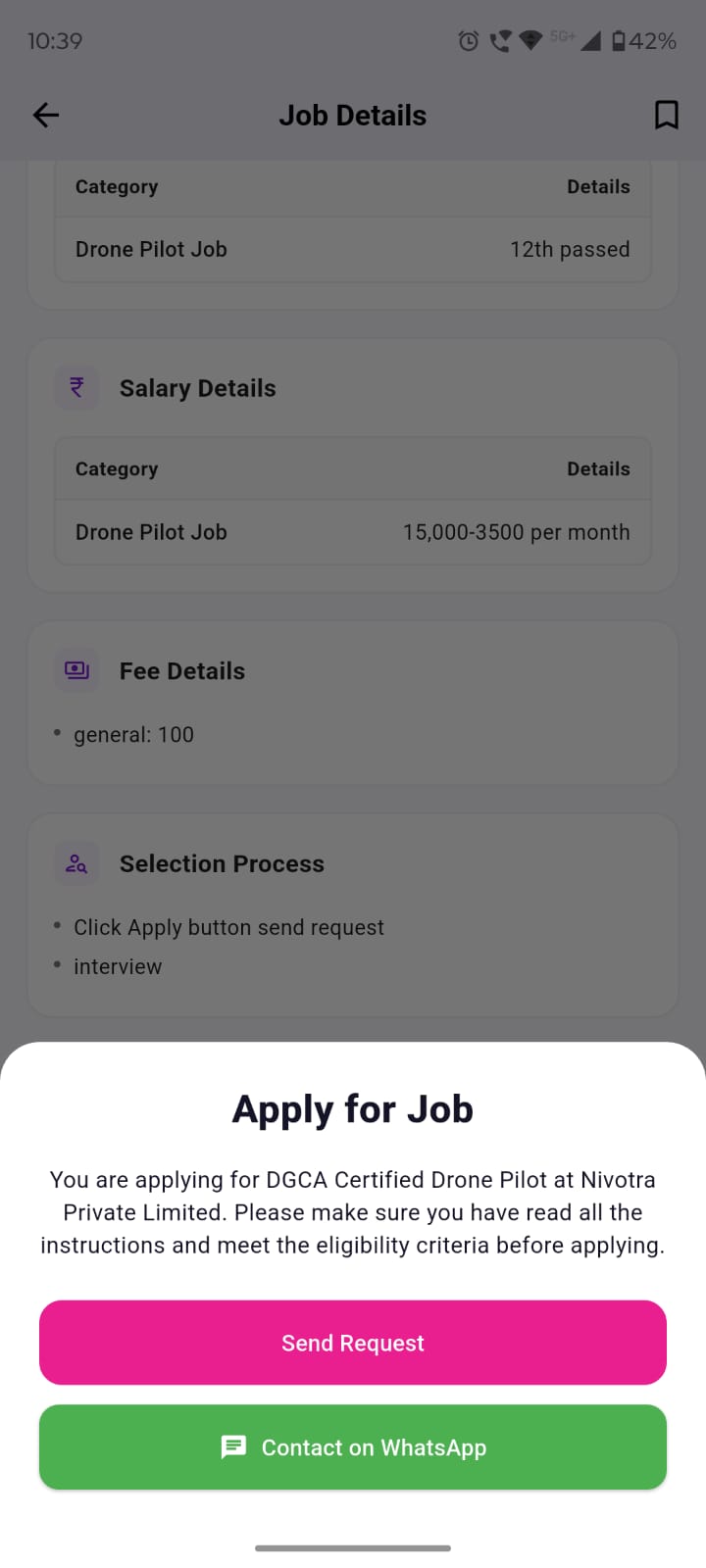
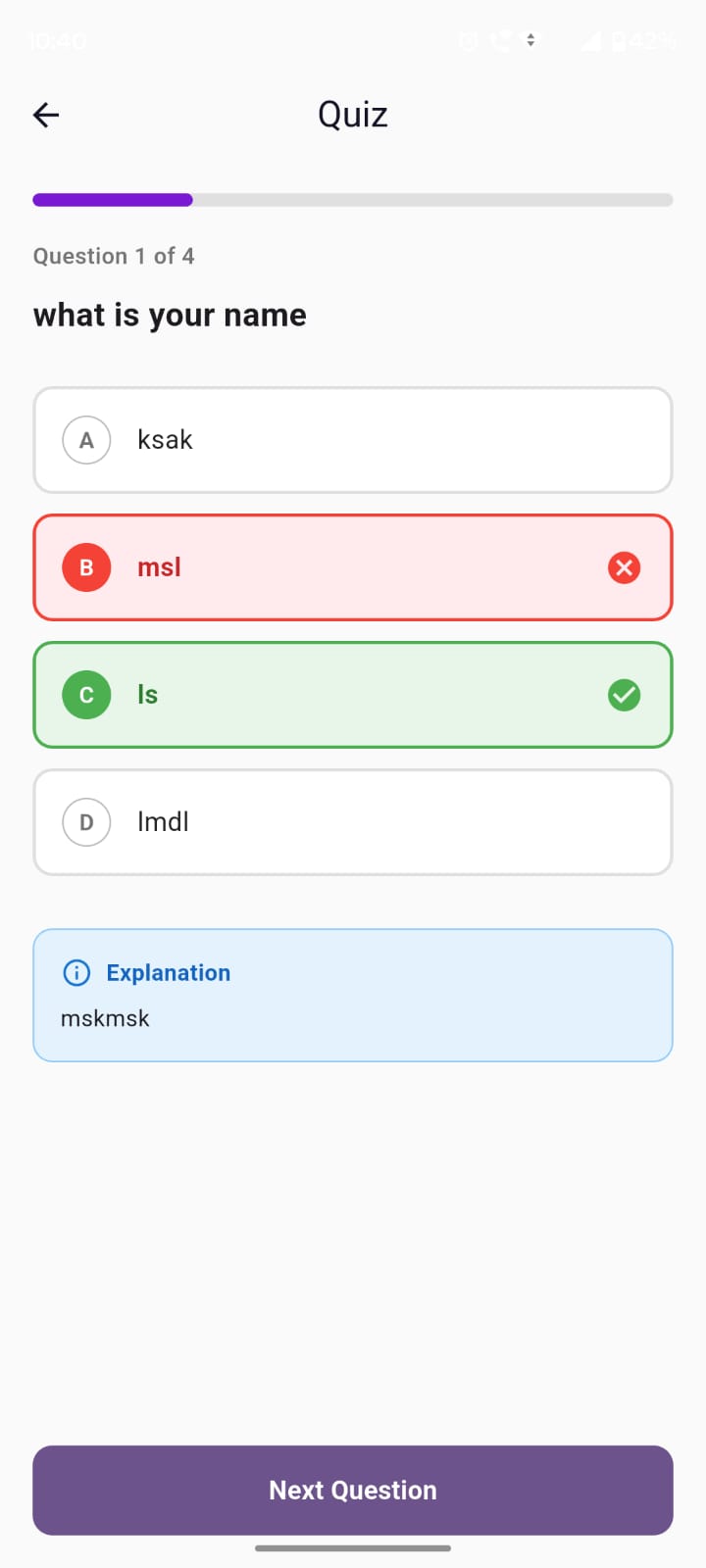
Admin Panel
H. Troubleshooting
| Symptom | Likely Cause | Exact Fix |
|---|---|---|
| HTTP 500 error | Missing dependencies, incorrect PHP version, or database connection issue. | Check storage/logs/laravel.log. Ensure .env DB credentials are correct. Run composer install. |
| Blank React page | JavaScript error or missing build files. | Open browser console. Ensure you uploaded the contents of the dist folder, not the source code. |
| Laravel storage images not loading | Storage symlink missing. | Run php artisan storage:link. If on shared hosting, create a symlink via cPanel. |
| Database connection failure | Wrong `.env` credentials. | Update DB_HOST, DB_PORT, DB_DATABASE, DB_USERNAME, DB_PASSWORD in `.env`. |
| APP_KEY missing | Application key not generated. | Run php artisan key:generate. |
| Composer PHP-version conflict | Server uses older PHP. | Update server PHP version to 8.3 from cPanel MultiPHP Manager. |
| CORS error | API URL mismatch or config issue. | Ensure `config/cors.php` allows your React admin URL. |
| API URL incorrectly configured | React `.env` issue. | Ensure `VITE_API_URL` points to your backend. |
| npm install failure | Old Node.js version. | Update Node.js to v22+. |
| Flutter dependency conflict | Outdated packages. | Run flutter clean then flutter pub get. |
| SMTP authentication failure | Wrong SMTP credentials. | Update SMTP username/password in Admin Settings or `.env`. |
| Push notifications not arriving | Firebase config missing. | Add Firebase Server Key in Admin Settings. |
| Folder permission problems | Server restricts write access. | Chmod storage and bootstrap/cache to 775. |
| Route not found after deployment | Missing .htaccess or Nginx config. | Ensure the `.htaccess` file is present in the `public` folder and your webserver parses it. |
| Admin login failure | Incorrect credentials or unmigrated DB. | Run migrations/seeders. Default is admin@jobvista.test / password. |
| Cache showing old configuration | Laravel cached old config. | Run php artisan optimize:clear. |
| cPanel document-root problems | Domain points to wrong folder. | Point your domain strictly to the public/ folder inside the backend directory. |
I. Third-Party Services and Additional Costs
Job Vista supports integration with external services. These services require separate accounts and configuration by the buyer. Depending on the selected provider, free usage limits or paid plans may apply. Any subscription charges, message charges, email delivery charges, API charges, hosting costs, domain costs, and third-party service fees are not included with the item purchase.
| Feature | External service required | Included in purchase |
|---|---|---|
| Push notifications | Firebase Cloud Messaging | Service account and paid charges are not included |
| Email and OTP email | SMTP provider | Email-provider charges are not included |
| Hosting | PHP/Laravel server | Not included |
| Domain and SSL | Domain provider | Not included |
| App Store publishing | Developer account | Not included |
Configuring Accounts: You enter credentials (like Firebase Server Keys or SMTP passwords) via the React Admin Panel -> Settings. Never include your private credentials if you share your database.
J. Support Policy
Support is provided through the official support channel associated with this CodeCanyon item. Please include your purchase code, software version, error message, and relevant screenshots when requesting assistance.
K. Changelog and Credits
Version 1.0.0 – Initial release
Credits & Licenses
- Laravel Framework (MIT License)
- React.js (MIT License)
- Flutter & Dart (BSD License)
- Icons8 (for interface icons, preview only)